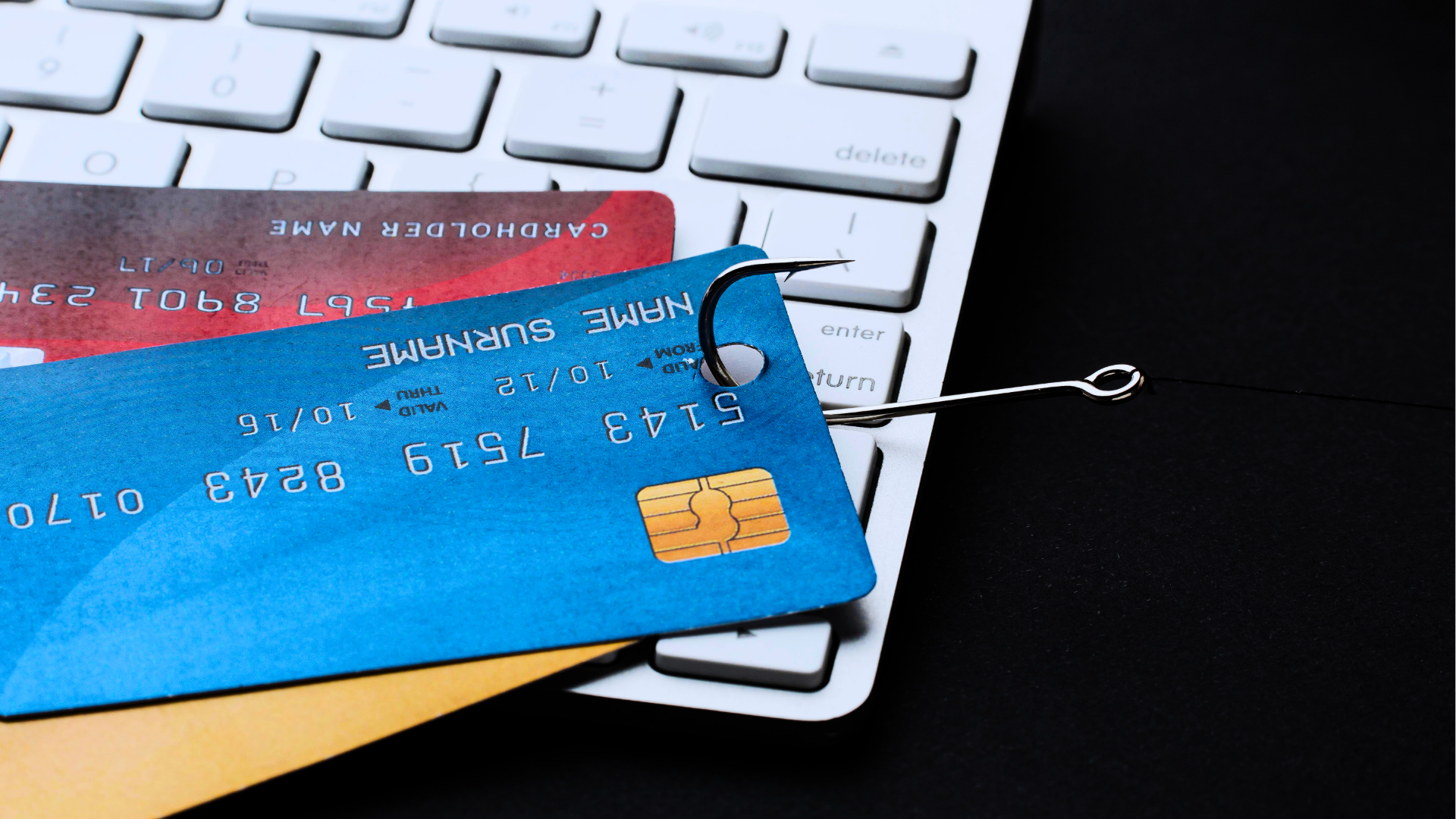
Phishing remains one of the most common online threats, which is why knowing how to avoid phishing scams is essential for protecting your accounts and personal data.
Multiple recent cybersecurity reports estimate that approximately 3.4 billion phishing emails are sent worldwide each day.
Programs.com states that in 90% of successful cyberattacks, phishing played a role in the attack chain.
This is a step-by-step guide on how you can avoid phishing scams, so you can safeguard your identity, wallet and data.
What Is Phishing?
Phishing is a form of cyberattack where criminals pretend to be a trusted person or organization to trick you into:
- giving away passwords
- clicking malicious links
- opening infected attachments
- sending money
- revealing personal information
By gathering this data, the wrongdoer will attempt to utilize and/or sell it. By pretending to be an official source with an enticing request, the perpetrator is ”phishing” for sensitive information.

Here are a few red flags that tell you an email might be phishing:
- Requests for passwords, verification or information
- Unexpected urgency or threats
- Suspicious attachments
- Recipient did not initiate contact
- Tries to impersonate a friend or coworker
- Generic greeting (dear user, hello customer)
- Grammar and spelling errors
- Inconsistency in email address, link and/or domain
- Low resolution images
The Psychology Behind Phishing
The key reasons phishing attacks are effective are that they are highly convincing, often impersonating trusted organisations through realistic emails, websites, or messages.
They can be personalised using leaked or publicly available data, making them more believable. They also exploit human behaviour such as distraction, urgency, and decision making which reduces careful checking.
Phishing attacks work because they exploit predictable human emotions and behaviours:
- Authority and trust: hackers often impersonate government agencies, big companies, banks, and more, to convince the victim it is a real request.
- Threats: phishing attempts often use threats, for example: your account will be locked if you don’t take action within 24 hours.
- Urgency or scarcity: time pressure is created to stop you from pausing or verifying if the email is from an official sender or not.
- Fake rewards: too good to be true offers, for example: ”You have an unclaimed amount of money waiting. Verify your details to receive it.”
Knowing these triggers won’t catch every attempt, but they raise your chances of spotting one before it causes damage.
We have a separate article on how phishers try to exploit authority bias, read our article: Why Authority Bias Increases Phishing Risk (And How to Protect Yourself)

Why Is Phishing Still So Effective?
Phishing is still very effective because it is cheap to execute and it targets something that can’t be patched: human behavior.
According to Salesso.com, BEC alone, just one form of phishing, caused an estimated $6.7 billion in global losses, with attacks reported in 186 countries. Human vulnerability has no technological or geographical boundary.
Finally, phishing is no longer limited to email and can reach users through SMS, social media, messaging apps, and even QR codes, increasing the chances of success. I cover the different types below.
If you want to read about the dangers of phishing in detail, check out our article: Why Are Phishing Attacks So Dangerous?
Different Types of Phishing
Phishing emails vary greatly in terms of targeting and effectiveness. They range from personalized to broad.
Here is what they may look like:
1. Email account upgrade scam

This email does not contain any grammatical errors and the link itself would seem safe, and not fraudulent. If there’s doubt, do not interact with the email.
2. Paypal scam

Quite convincing since the headline is in Paypal’s style. Again, this email is trying to create a sense of urgency and panic in the recipient.
The email looks fairly legitimate, but the tone is forceful and the grammar incorrect.
3. Message from HR

We all trust our HR teams, right?
The above is a malicious email; emails coming from ”HR” often contain a malicious link or attachment. Double check with your own HR department to figure out if the mail is legitimate or an attempt at phishing.
4. Unusual sign-in activity

Unusual sign-in activity emails urge you to click the button to log in, change your password or verify your account.
Indeed, any information you’d put in would immediately be in the hands of the hacking party.
5. Fake invoice

Fake invoice scams are about receiving invoices from ”legitimate” companies, but where they quote you for items or services you haven’t actually purchased.
The email above is a good example.
Recognizing different variations is an important step in ”how to avoid phishing scams.”
If you want to read about phishing examples targeting employees specifically, read our article: 6 Phishing Email Examples for Employees: Real Emails That Fooled Real People
Breaking It Down in More Detail
This is another good example of a phishing email:

This is a phishing email because:
services@paypal-accounts.com is not an official email address.
The first sentence tries to pressure the user to update their information.
There are grammar and spelling errors in the email.
Generic greeting that could indicate a mass phishing attempt.
Tip: hover over (don’t click) any links or buttons of emails you suspect of phishing. It will reveal what site you will be taken to. For example:

It’s a good sign if the link of the button (or the link you hover over) contains the actual and complete domain the email address also contains:

How to check the validity of a domain
On lookup.icann.org, you can enter the domain paypal-accounts.com to see if there are signs that give away it’s a phishing attempt.
You can enter the domain like this:

When you scroll down, you can look at information like registration date. If this domain was registered last month, or even years ago, it is likely invalid since Paypal has been in business for a lot longer.
The actual site (and domain) of Paypal is Paypal.com. Not Paypal-accounts.com.
Another way to test domains for legitimacy is entering the domain in Mxtoolbox:

If DMARC checks out negative, like in the example above, it shows the domain is not set up properly and that the email is likely malicious.
The content above will set you up to identify and avoid phishing scams through email. However, the phishing emails above are fairly generic and easier to identify as harmful.
Let’s look at different variations of (email) phishing.
Spear Phishing
Unlike the above examples that were fairly general, spear phishing is a very personalized attack that is aimed at specific individuals or roles within an organization.
This type of phishing often involves more deliberate research and effort on part of the attacker.
More often than not they will extract certain information beforehand through social media or corporate websites.
Their goal is the same: to get you to click a link or open an attachment so they can steal your data or infect your system.
In a report by Barracuda Networks analyzing 50 billion emails, spear phishing made up less than 0.1% of messages, yet caused 66% of successful breaches.
Common victims of spear phishing include:
- C-level executives (CEO’s, CFO’s, CTO’s)
- Members of the finance department
- Members of HR
- System administrators
The following is an example of a spear phishing attempt:

The recipient receives a message of his superior requesting for a purchase to be made. What stands out immediately is the personal aspect; he greets him with Brian.
The spear phisher tries to mimic normal workplace communications to lull the victim in a false sense of security.
It again creates a sense of urgency and panic: ”This is my boss. I should respond quickly.”
Ignoring it feels risky and questioning it feels awkward.
More signs that this is a spear phishing attempt:
- ”your confidentiality would be highly appreciated.” -> the victim is being isolated, preventing them from double-checking with colleagues.
- The message tries to produce a believable scenario: the sender has a ”busy morning,” ”important purchase,” ”surprise for staff.”
Whaling
Most cybersecurity authorities refer to whaling as phishing aimed specifically at C-level executives.
Additionally, a lot of sites also include other important staff like financial personnel, HR directors, IT administrators, and co-founders: essentially anyone within an organisation who has access to money, sensitive data, or critical systems.
You can read more extensively about whaling, the people in an organization that are targeted, and why it targets them in the following article:
Who Are the Targets of Whaling Attacks? (And Why They’re Chosen)
Smishing
Smishing is phishing via SMS messages.
Very often they try to impersonate banks, institutions or delivery services.
In the following message the criminals try to impersonate a government body to create legitimacy and pressure:

Moreover, the shortened link (probably) hides the real destination of the link, which is a common phishing tactic.
These are some steps you can take if you receive a perceived fraudulent text message:
- Never click links when they seem suspicious
- Be cautious of shortened URLs (bit.ly, lnkd.in)
- If you think something might be phishing, analyze it the same way you would an email.
- Watch out for emotional triggers: money, urgency, threats, authority.
- Verify the sender by contacting the organization directly.
- Block and report. Most phones allow you to block the number and report the message as spam.
QR-code Phishing (quishing)
This type of phishing involves QR-codes so that people visit a harmful website or download a bad attachment.
They may look like this:

This one looks very convincing, and there is seemingly no way to tell that this is fraudulent in nature.
But it’s the same idea as other phishing attempts. You scan the QR-code so you download a harmful attachment or are lead to a fake portal to enter your username, passwords or other sensitive information.
Never scan a QR-code if you aren’t sure of the source.
Voice Phishing (vishing)
In this form of phishing, the phisher impersonates a government official, bank employee, support engineer, representative of a company or another relevant person.
Certain tactics are being used to add to the legitimacy of the phone call. These forms of phishing are successful when the scenario is ”real” in the victim’s mind.
When there’s any doubt, hang up the phone and call the official telephone number of the organization that called.
To sum it up, these are the most common and harmful variations of phishing:

How AI Makes Every Phishing Attack More Dangerous
It is no stretch to say that all of the phishing types above are enhanced by AI.
AI eliminates grammar errors and makes email phishing undetectable
According to Getastra, security researchers recently estimated that 82.6% of phishing emails now show signs of AI involvement. Furthermore, AI-generated phishing emails achieved a 54% click-through rate versus 12% for human-written ones.
AI outperforms human teams when it comes to writing effective spear phishing campaigns
Hoxhunt’s article on AI-powered spear phishing shows an interesting and perhaps a frightening development when it comes to AI-powered spear phishing.
Over the span of 2 years, Hoxhunt pitted their ”elite human red teams” against AI agents they developed themselves, to measure how effective they were at spear phishing.
An elite human red team is a group of specialized and highly skilled cybersecurity professionals who attempt to hack an organization, to determine an organization’s security.
The results of this period of phishing simulation were astounding:
At the start, in 2023, AI was 31% less effective than the human team in terms of spear phishing.
In november of 2024, AI was 10% less effective than humans.
In march 2025, AI was 24% more effective than the human team.
This suggests the potency of AI, and the speed with which it can outperform humans if they are trained correctly.
Smishing attempts are also enhanced
Eset’s article on the surge of AI-powered phishing, states that phishing through SMS is also amplified by the use of AI.
According to them, AI can now create hyper-personalized, flawlessy written messages in the English language to trick you into clicking.
The generative AI can do this at scale, and based on the results, they can adapt these campaigns dynamically at scale too.
QR-code based phishing (quishing) benefits from AI as well
Keepnetlabs, in their article on QR-code phishing, states the following:
The use of AI has made quishing attacks more advanced, allowing cybercriminals to quickly create realistic phishing pages, tailor scams to individual targets, and adjust their methods on the fly. This has made quishing harder to detect and more effective across a wide range of industries.
And later on they state:
AI-powered quishing can mirror legitimate brand interfaces with high fidelity, bypass traditional email security filters, and scale attacks across thousands of targets simultaneously. This evolution makes ongoing security awareness training and AI-aware detection tools essential for organizations of all sizes.
Voice Phishing: How AI Takes it to Another Level
Right-hand.ai has an article talking about the ”deepfake-revolution.”
What do they mean by that?
Attackers now use sophisticated AI models that can clone voices with unsettling precision. All it takes is a few minutes of recorded speech—lifted from a podcast, a webinar, or a corporate presentation—to generate a synthetic version convincing enough to fool even vigilant employees.
Take a recent example: In early 2025, a European energy conglomerate lost $25 million when attackers used a deepfake audio clone of the CFO to issue live instructions for an urgent wire transfer. The voice sounded exactly right—pauses, tone, cadence—and the funds were gone within hours.
In an era of AI-generated voices, hearing is no longer believing.
Anti-phishing checklist
To help you recognize phishing attempts, the checklist below outlines key warning signs to look for.

If you’re unsure:
- Stop interacting immediately
- Don’t click, reply, or download anything
- Open the official website or app manually
- If still suspicious, contact the company yourself
Golden rule: Legitimate organizations will never ask for your password via email, SMS, or phone.
Additionally, you may want to report the phishing attempt through Outlook if it was an email. Please read our article: Where Is the Report Phishing Button in Outlook 365?
If you suspect that you have received an email that is trying to scam you, read our article with steps to take: If I Suspect That I Have Received a Phishing Email, What Should I Do?
I Clicked on A Phishing Link. What Now?
Wondering if you can actually get hacked by clicking a link? Read our article: Can You Get Hacked by Clicking a Link? (What Actually Happens)
If you clicked a phishing link, the goal is to assume compromise might have already started. Act quickly to limit what the attacker can access. Not every click leads to infection or account takeover, but you should treat it as serious until you’ve ruled it out.
1.
Start by disconnecting the device from the internet if you suspect anything was downloaded or if you entered sensitive information. This helps prevent potential malware from communicating with external servers.
2.
Then, from a separate trusted device, immediately change passwords for any accounts that may have been exposed—especially email, banking, work accounts, and any accounts where you reuse passwords. Prioritize your email account first, because it can often be used to reset other passwords.
Note: pay extra attention if you use the password for more than 1 website/app/account.
3.
If you entered login details, assume they may be compromised. Change the password and enable multi-factor authentication (MFA) if it isn’t already active. If you can’t do it independently, contact your IT department or the person that’s in charge of your Microsoft tenant.
4.
Next, check for obvious signs of damage. Look for unexpected emails sent from your account, changes to account settings, new forwarding rules in email (a common attacker tactic), unfamiliar devices logged into your accounts, or unauthorized transactions in financial accounts.
If this involves a work device or corporate account, report it immediately to IT/security so they can check logs and contain the threat properly.
5.
Running a full system scan is recommended, but it should not be your only step. Use a reputable antivirus or endpoint protection tool and perform a full scan of the device, not just a quick scan. If malware is found, follow the tool’s remediation steps carefully.
6.
Finally, monitor your accounts closely for at least the next few weeks. Watch for password reset emails you didn’t request, login alerts from unfamiliar locations, and financial activity you don’t recognize.
Even if you gather all this information from Outlook for example, damage may still be done you’re not aware of. If the hacker has extracted sensitive information, they may purchase items with your identity and/or your banking information.
If you get invoices from companies where you didn’t authorize the payment, contact the company and tell them you might have been phished.
What to do If I Clicked a Phishing Link on My Phone?
We have a separate article for damage prevention for after you clicked a phishing link, especially on your phone: What to Do If You Clicked a Phishing Link on Your Phone.
How to Avoid Phishing Scams: Conclusion
Phishing works by exploiting urgency, trust, and distraction. The best defense is slowing down and never trusting links at face value.
In practice, this means pausing before you click, checking sender details carefully, and accessing important accounts only through official websites or apps—not through links in messages.
If something feels off, treat it as suspicious rather than convenient. A few seconds of verification can prevent significant damage to your identity, finances, and accounts. Furthermore, it protects the company or organization you work for.
I hope you enjoyed this practical article on how to avoid phishing scams.
You can enjoy more content like this by visiting our blog.

Leave a Reply